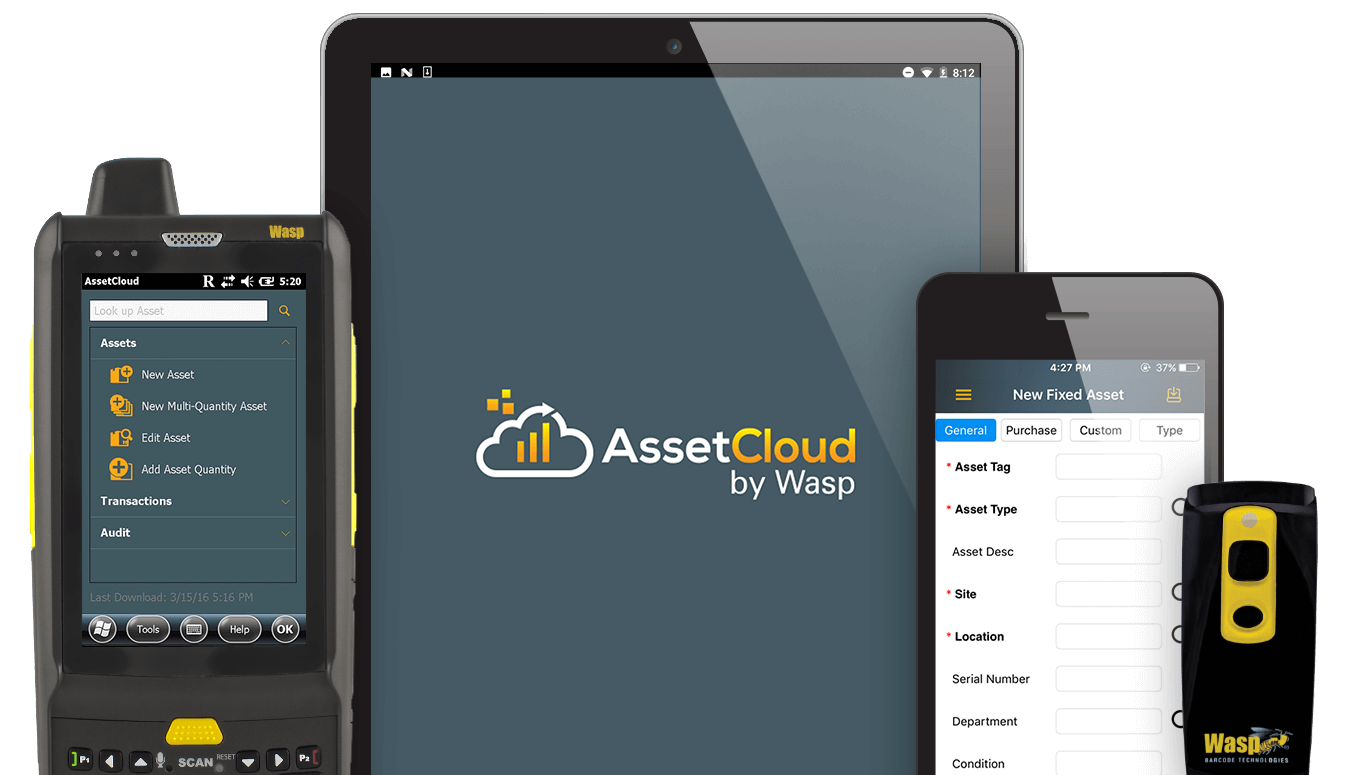
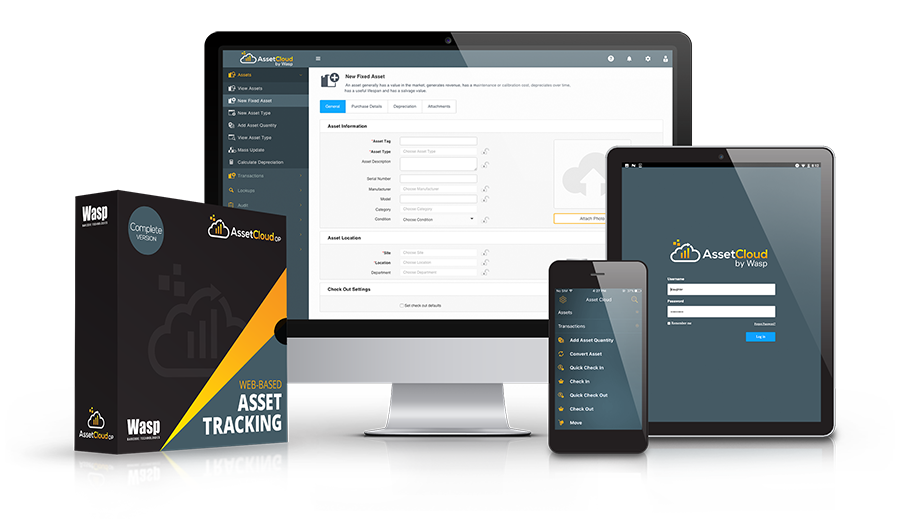
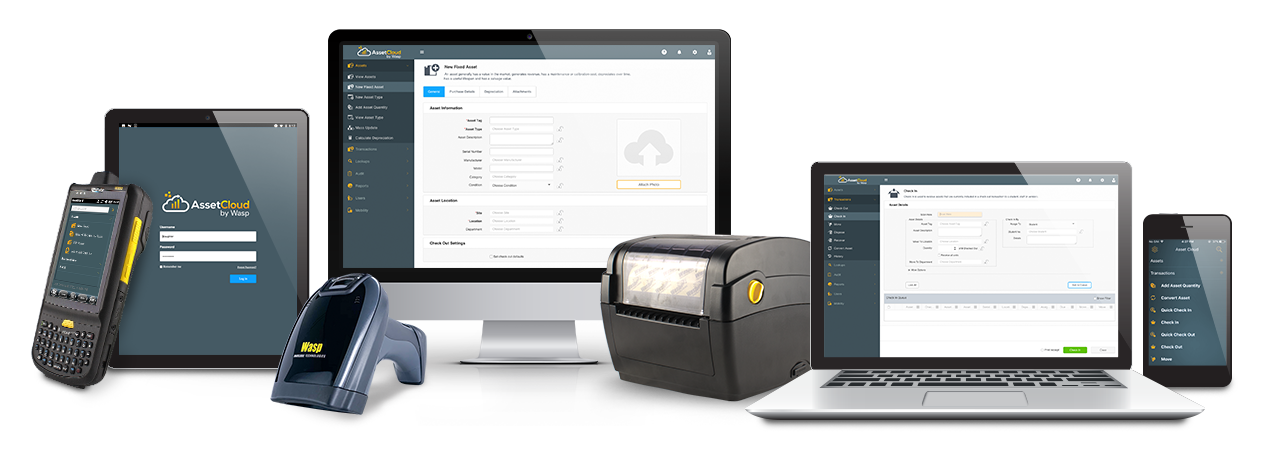
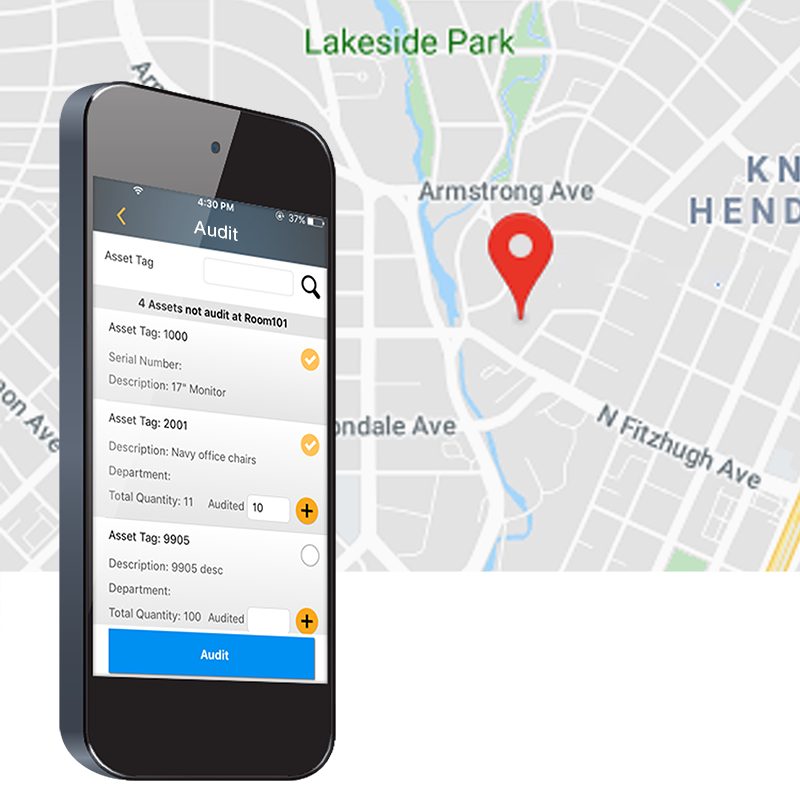
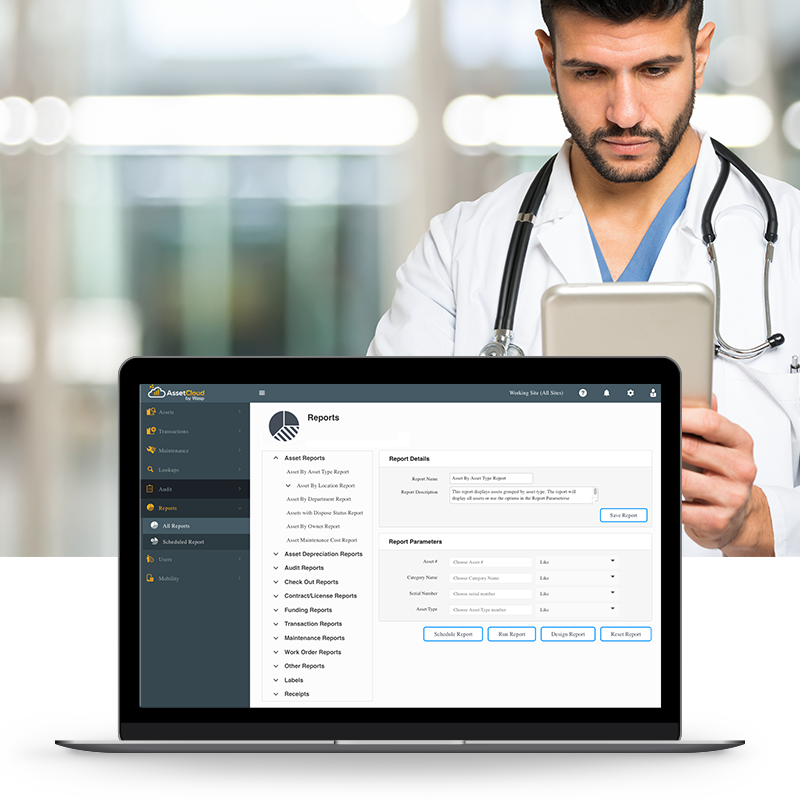
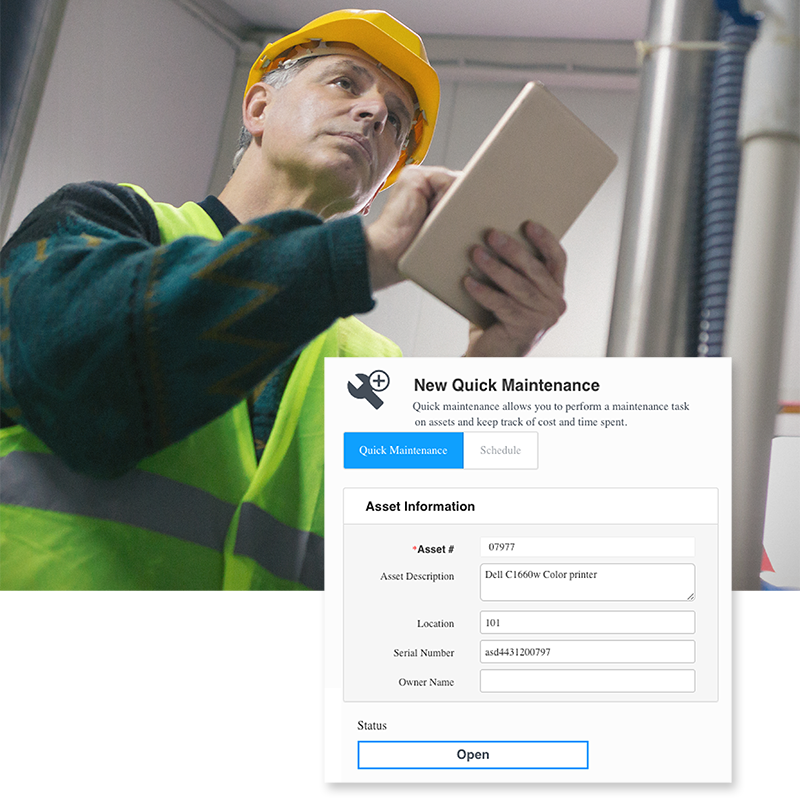
Wasp MobileAsset is the #1 selling, industry-leading asset management solution for small to medium-sized businesses. Wasp has perfected an all-in-one solution to solve the asset management needs of government and educational agencies, healthcare organizations, and companies of all sizes across the globe. Our asset management solutions are capable of meeting the demands of your business while still remaining simple enough to master right out of the box!
If you're currently using a spreadsheet, or pen and paper, MobileAsset asset management software will improve efficiency and reduce cost by automating your asset management process. Wasp has a variety of asset management software and solutions available. Whether you’re in need of asset management software, an asset management solution used periodically, or a ruggedized asset management solution used to track hundreds of assets throughout multiple locations, MobileAsset can meet your asset management needs.
The Pro version allows you to track all company assets with the added power and sophistication of several key features: 5-users/networking, asset linking/kitting, software license management, contract management, and alerts.
Mobile Asset Management –
Complete Mobile 1200
Asset Management Solution
- WPA1200 mobile device
- Windows CE 5.0
- WPL305 barcode printer
- Wasp asset tracking software
- Barcode label design software
- Asset tags and ribbon
Mobile Asset Management –
Mobile 1200
Asset Management Solution
- WPA1200 mobile device
- Windows CE 5.0
- Wasp asset tracking software
- Barcode label design software
Mobile Asset Management –
Mobile 1200wm
Asset Management Solution
- WPA1200wm mobile device
- Windows Mobile 5.0
- Wasp asset tracking software
- Barcode label design software
Mobile Asset Management –
Asset Management Software
- Standard (Std) 1 PC license
- Professional (Pro) 5 PC licenses
- Enterprise (Ent) unlimited PC
licenses (req. SQL server)
Case Study | White Paper | What are assets? | download brochure
Asset Tracking Overview and Training
This
flash presentation includes voice narration and walks through the MobileAsset asset tracking software
in good detail. This is a great way to learn more about the capabilities of this
powerful asset tracking solution.
What's New in MobileAsset v5?
The industry-leading Asset Management solution just got better! Fresh, inviting look! Easier-to-find tools! Powerful new features! Introducing Wasp Barcode Technologies MobileAsset version 5 (v5), the latest upgrade to the industry leading Asset Management solution for small business and departments of mid-sized corporations.
MobileAsset Brochure
Wasp MobileAsset is the #1 selling, industry-leading
Asset Management solution for small to medium-sized businesses.
Wasp has perfected an all in one solution to solve
the asset management needs of government and educational
agencies, healthcare, and small to large companies
across the globe.
White Paper
Want
to learn more about Asset Management and MobileAsset, Wasp's complete hardware and software tracking
solution? It's ideal for managing office equipment, tools, evidence, check-in
/ check-out, and more! Click to download the MobileAsset white paper today.
Case Studies
MobileAsset:
the right prescription for Truxtun Radiology Medical
Truxtun Radiology Medical Group, located in Bakersfield, California, opened its
doors with only one radiologist and a total of 5 employees. Today there are over
150 employees, 4 buildings and 2 remote sites.
Click
here to view the PDF version ![]()
MobileAsset Brews a Successful Solution?
Highland Brewing Company is a rapidly growing brewery located in the
beautiful Blue Ridge Mountains of North Carolina. Founded in 1994 in the
basement of an historical building in downtown Asheville, Highland Brewing
Company began producing ales in kegs and 22 oz bottles.
Click
here to view the PDF version ![]()
What are assets?
Every
company uses hundreds of assets on a daily basis. An “asset” is
any item that a business uses internally, such as office equipment, tools,
educational materials, etc. Our MobileAsset solution can accurately and efficiently
track any asset you choose to put in the system. Rather than wasting time
searching for and replacing lost assets, you can now keep track of all your
valuable assets with a convenient, easy to use complete Asset Management system.
In addition to tools and objects, you can also track employees with the MobileAsset
system, to keep an accurate, automated record of employee hours.
Here are some common assets you can track with MobileAsset:
|
And much more! |
Asset Management or Inventory Tracking?
The
first step in determining a solution is to understand whether you are dealing
with assets or inventory. Assets are "permanent" objects that a
business uses internally, such as computers, tools, or educational material.
Although employees may check the object in or out to go out on an assignment,
or even use at home, an asset ultimately belongs to the company and must
be returned to the company.
Inventory, however, refers to objects that are sold, distributed, or otherwise
consumed by a company. These "temporary" objects include retail items
and office supplies. To begin, compare your objects with the chart below to determine
what kind of solution you need.
| Description | Assets | Inventory | ||
| Objects used internally, such as computers, tools, and educational materials | ||||
| Track depreciation of company property | ||||
| Track maintenance on company equipment | ||||
| Objects are for sale or resale | ||||
| Ability to track/monitor reorder levels | ||||
| Objects are “temporary” and/or often replaced, such as paper, pens, and other consumables | ||||
| Employees may check objects in and out |
Download a fully functional version of one of the Wasp Barcode Technologies software products for 10 days. To download the program, fill out the online form and follow the online instructions. An installation key will be sent to you via email. Download speeds vary depending upon your computer speed. Should you decide to purchase the product, call sales at 0845 430 1971 to purchase an activation key. The installation and setup of the program as well as the work you have completed using the software will be retained on your system. Note: The Demo program comes with an UnInstaller to completely remove the program from your system at a later date if necessary.
The Support Center provides helpful information on products and services.
Barcode Scanners
Barcode Printers
Stock Control Software and Management
Barcode Software
ePOS Software and Solutions