MobileAsset – Asset Tracking Software

Back to Asset Management

 
Find A Reseller
Ask a Question

MobileAsset - Standard (Single PC License)

  part number: 633808500207
   Price: £399.00 ex VAT

MobileAsset - Professional (Five PC Licenses)

  part number: 633808503048
   Price: £699.00 ex VAT

MobileAsset - Enterprise (Unlimited PC Licenses)

  part number: 633808503062
   Price: £1,399.00 ex VAT
 
  Don't know which version you need?

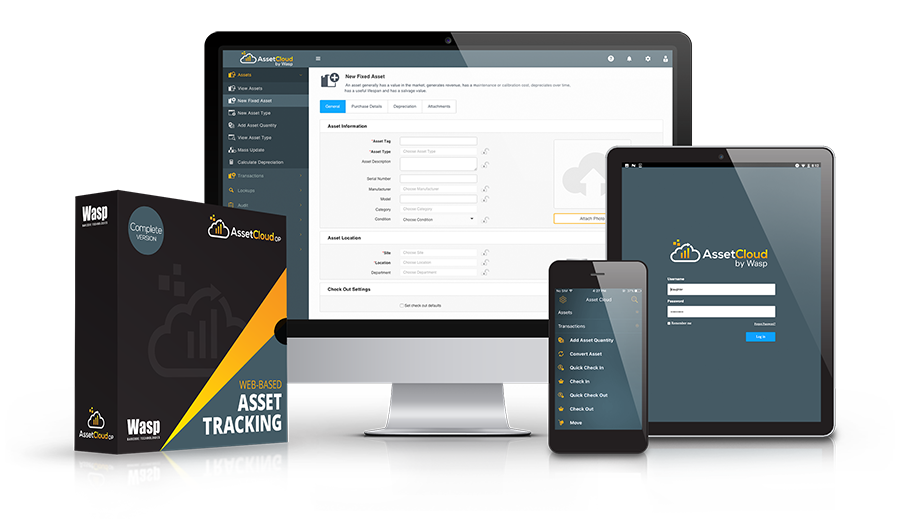
MobileAsset - Asset Tracking Software

Wasp MobileAsset is the #1 selling, industry-leading asset tracking solution for small to medium-sized businesses. Wasp has perfected an all-in-one solution to solve the asset tracking needs of government and educational agencies, healthcare, and small to large companies across the globe. This asset tracking solution is capable of meeting the high demands of your business while still remaining simple enough to master right out of the box!


If you're currently using a spreadsheet, or pen and paper, MobileAsset will improve efficiency and reduce cost by automating your asset tracking process. MobileAsset takes asset management to a higher level, giving you the ability to save time and money, end equipment losses, improve equipment maintenance, gain control over new and unnecessary equipment purchases, and more accurately compute taxes based on depreciation schedules.


MobileAsset conveniently captures the following information in one location, saving you from having to search for misplaced, unreturned or lost equipment or documents:

  • What assets your company owns
  • Where each asset is located
  • Who has it
  • When it was checked out
  • When it is due for return
  • When it is scheduled for maintenance
  • The cost and depreciation
  • The warranty period and expiration


MobileAsset asset tracking solution stores the transaction history of an asset, so you know where it has been, how many times it has been broken or serviced, and who was the last person to check it out and for how long. MobileAsset even gives you the power to easily audit your assets to ensure 100% accuracy.


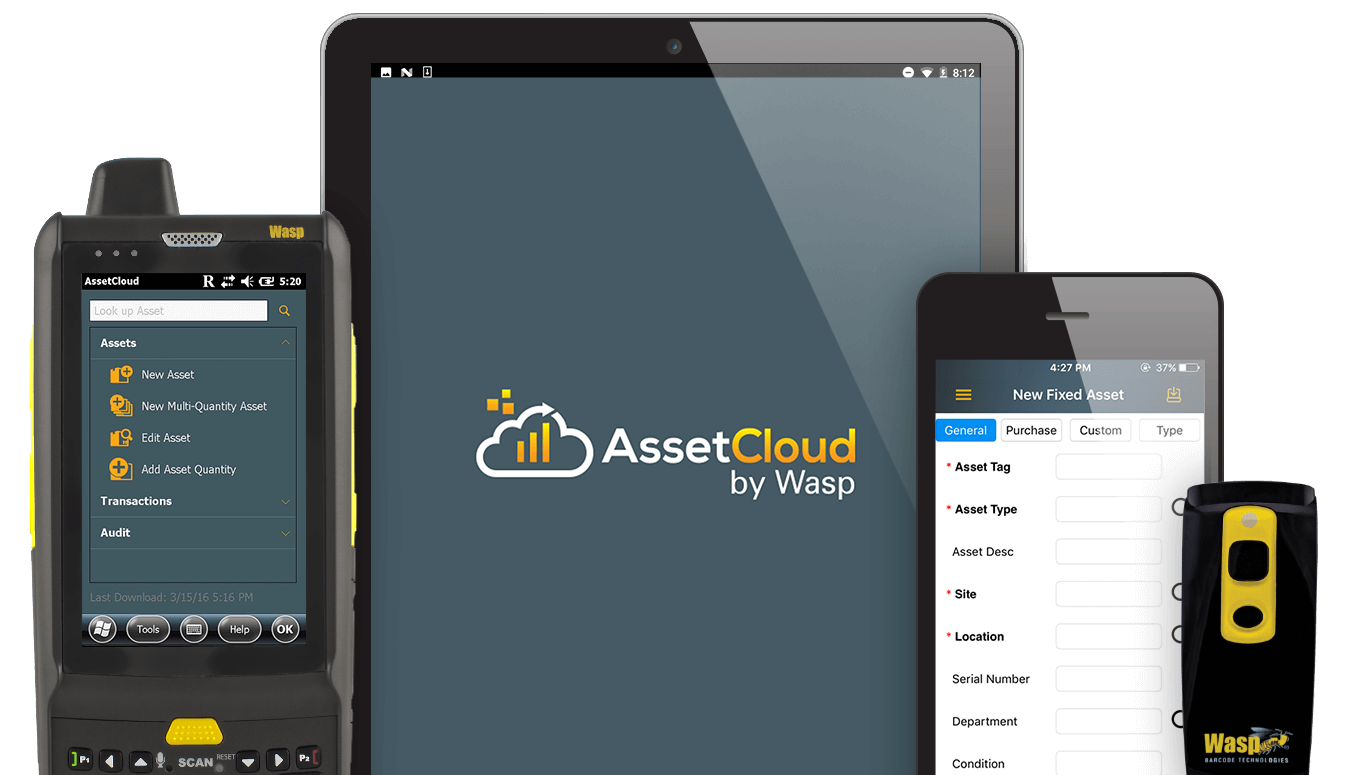
MobileAsset is the perfect asset tracking software when you need the flexibility and freedom of a mobile device. Managing company assets from behind a desk with a PC is frequently inefficient, if not impossible. MobileAsset can be used on a mobile device so that you can track assets in remote locations, in different rooms, buildings, or in the field.


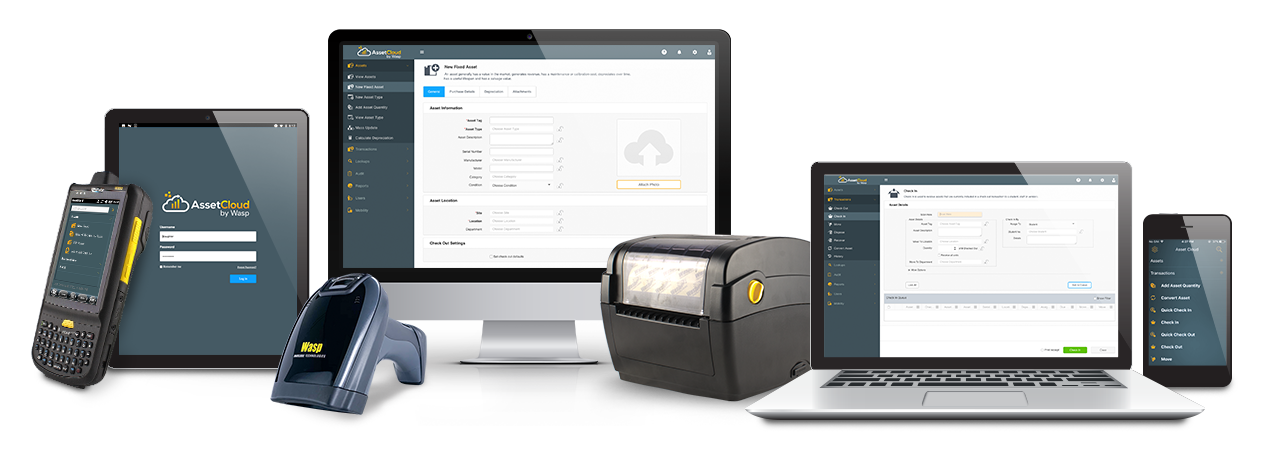
This ready-to-use asset tracking solution includes:

  • MobileAsset asset tracking software
  • 1-PC user
  • 1-mobile device license
  • Integrated barcode labeling software
  • Free, unlimited technical support for the life of the product


Common Applications

  • Tracking company property and assets
  • IT tracking
  • Tracking book value of equipment
 
  • Evidence tracking
  • Rental tracking
  • File and document tracking


Examples of Assets

  • Computers/Laptops
  • Software
  • Phones
  • Office equipment
  • Medical equipment
 
  • Educations material
  • Office furniture
  • Videos
  • Tools
  • Vehicles


System Requirements

PC System Requirements

  • Windows 2000, XP or 2003 server
  • 400MHz or higher processor
  • 512 MB RAM minimum
 
  • 400 MB disk space minimum
  • 32-bit color minimum
  • CD-ROM drive

Mobile Device Requirements

Wasp MobileAsset supports both Palm and Pocket PC devices.

Palm Requirements

  • Palm OS 3.5 or higher
  • Palm desktop version 4.0 or higher
  • 4MB of RAM (8MB recommended)
 

Pocket PC Requirements

  • Windows® Mobile 2003 or later
  • CE 4.2 or higher
  •  


Benefits

  • Know what assets your company owns and which employee or client has them.
  • Reduce expenses. Don't buy unnecessary items.
  • Know the cost of your assets & depreciation amounts.
  • Spend less time searching for your equipment and assets.
  • Reduce "borrowing" without permission.
  • Reduce lost or unreturned items.
  • Operate on a tighter budget with better service.


Features

  • 1-PC user, 1-mobile user
  • Track assets by site, location, department, item, and serial number
  • Easily add, edit, move or dispose of assets
  • Move by location, department, purchase order or custom filter
  • Check-in and check-out assets to track who has the assets and when they are due back
  • Capture purchase order, invoice, and warranty details
  • Customize the system with over 20 user-defined tracking fields to ensure a perfect fit for your environment
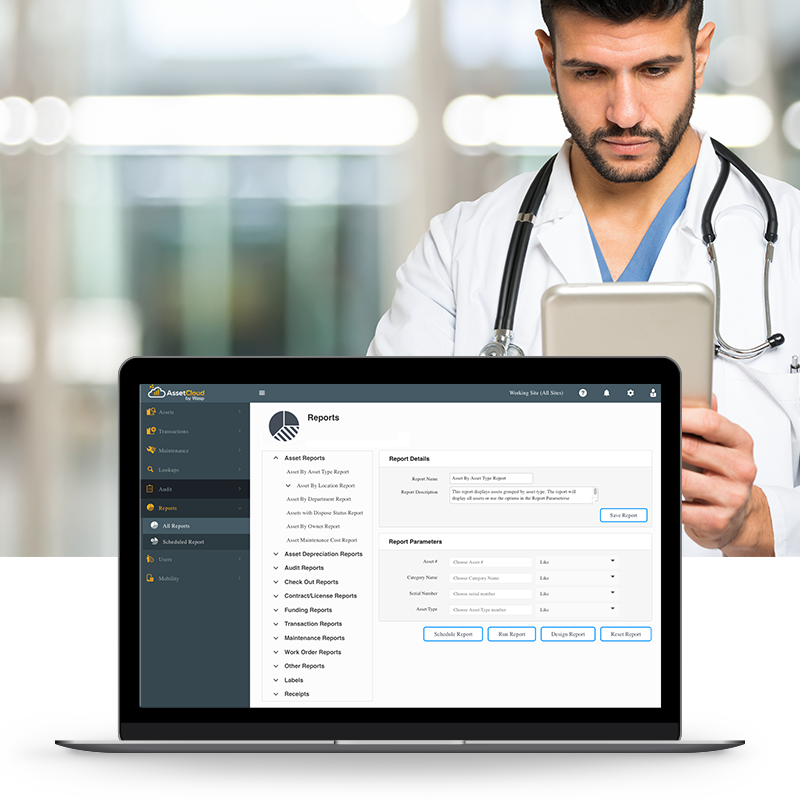
  • 46 professional reports are included to keep you on top of your business
  • Create your own barcode asset tags/labels (fully integrates barcode technology)
  • Data pinning on PC & mobile devices (streamline data entry)
  • Attach any type of file to an asset - pictures, warranties, user manuals, invoices!
  • Import/export information quickly to reduce data entry and external processing
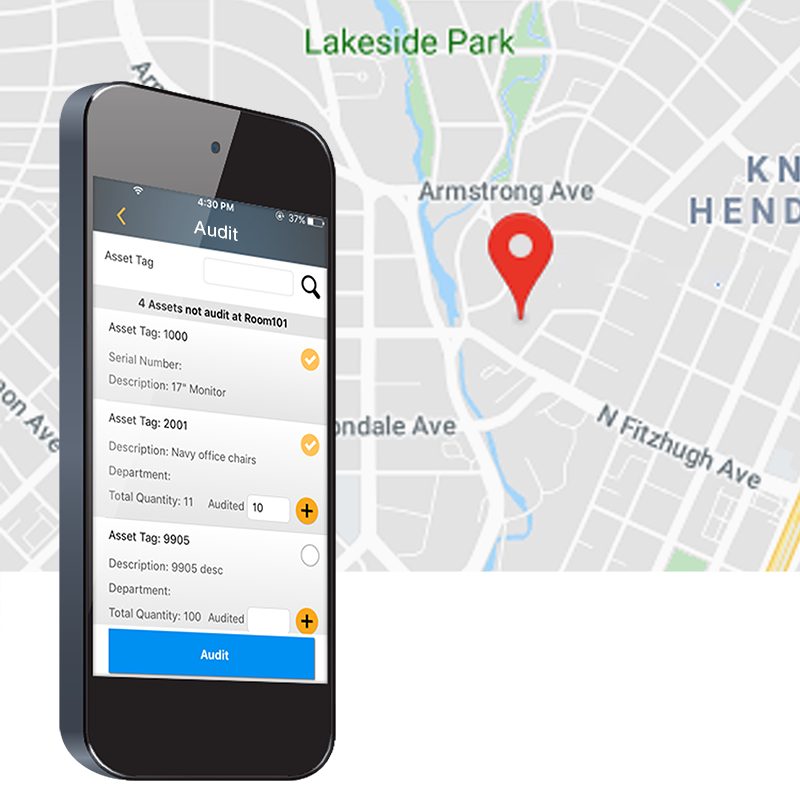
  • Audit your assets on your PC or mobile device (Inventory reconciliation)
  • Secure your system with advanced feature-based security - More than 10 different security options
  • Print receipts on both PC and mobile printers
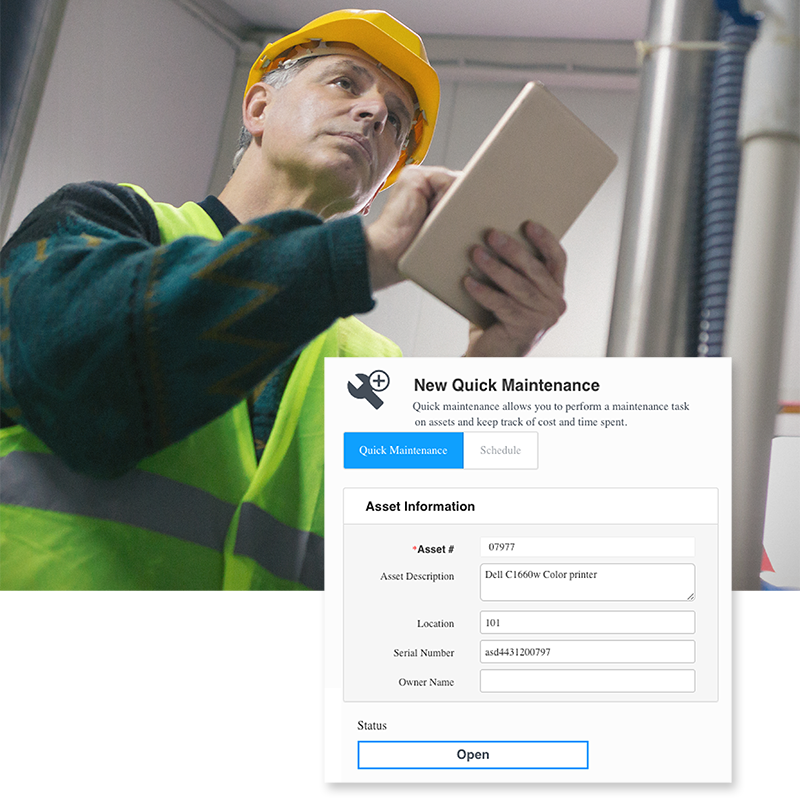
  • Schedule maintenance service for your assets
  • Includes Microsoft SQL MSDE Database

( the list of the standard features)


Handheld Features

  • Check-In/Check-Out your assets with your portable data collector.
  • Audit your assets -Portable data collectors allow you the flexibility to audit your assets where your assets are located.
  • Add, remove, adjust, move, and retrieve detailed information about your organization's assets anywhere you go.
  • Divide the work with multiple portable data collectors. MobileAsset comes with one mobile device license. Additional mobile device licenses are available.


MobileAsset - Asset Tracking Trial Version


Ensure that MobileAsset is the right solution for your organization with a free software trial. Select from trial methods including instant online product trial, 30-day trial CD, and 30-day trial download.


MobileAsset product brochure


Don't know which mobile device to pick? Portable data collector comparison chart


Get the latest patches and updates


MOBILEASSET TUTORIALS MAKE

GETTING STARTED Easy and Painless!


To help make getting started and using your Wasp product as easy as possible, Wasp has created an informative series of tutorials which will help you get started quickly and painlessly.


  • Understanding asset type
  • Creating depreciation classes
  • Creating asset types
  • Understanding assets
  • Creating & linking assets
  • Maintaining asstes
  • Maintaining contracts
  • Depreciating assets


Find out more about
MobileAsset.


Schedule Live One-on-One Demo

Watch Video Overview

Test Drive MobileAsset

Read Case Studies

Call Wasp
0845.430.1971


Special Offer!
FREE Training with Purchase

Support Center

Here’s the center for all your Wasp support needs and questions. Access to technical support, downloads, and knowledge base; information on returns, shipping & payment options, product registration and warrantee policy.


Ask Us A Question

Need just a little more product information? Or help finding what you are looking for? Send an email to a knowledgeable Wasp representative and receive an email response.


WaspCatalog™

Not sure what product solution you need?  Or just doing some initial information gathering?  Get the FREE WaspCatalog™ – it’s a terrific source of information that will help guide you to your final solution.


WaspSBIC™

The Wasp Small Business Information Center (SBIC) is the resource center for small businesses.  Here, you will find almost 100 valuable links that will help you successfully start and profitably grow your small business.